
Docs
Home (dashboard)
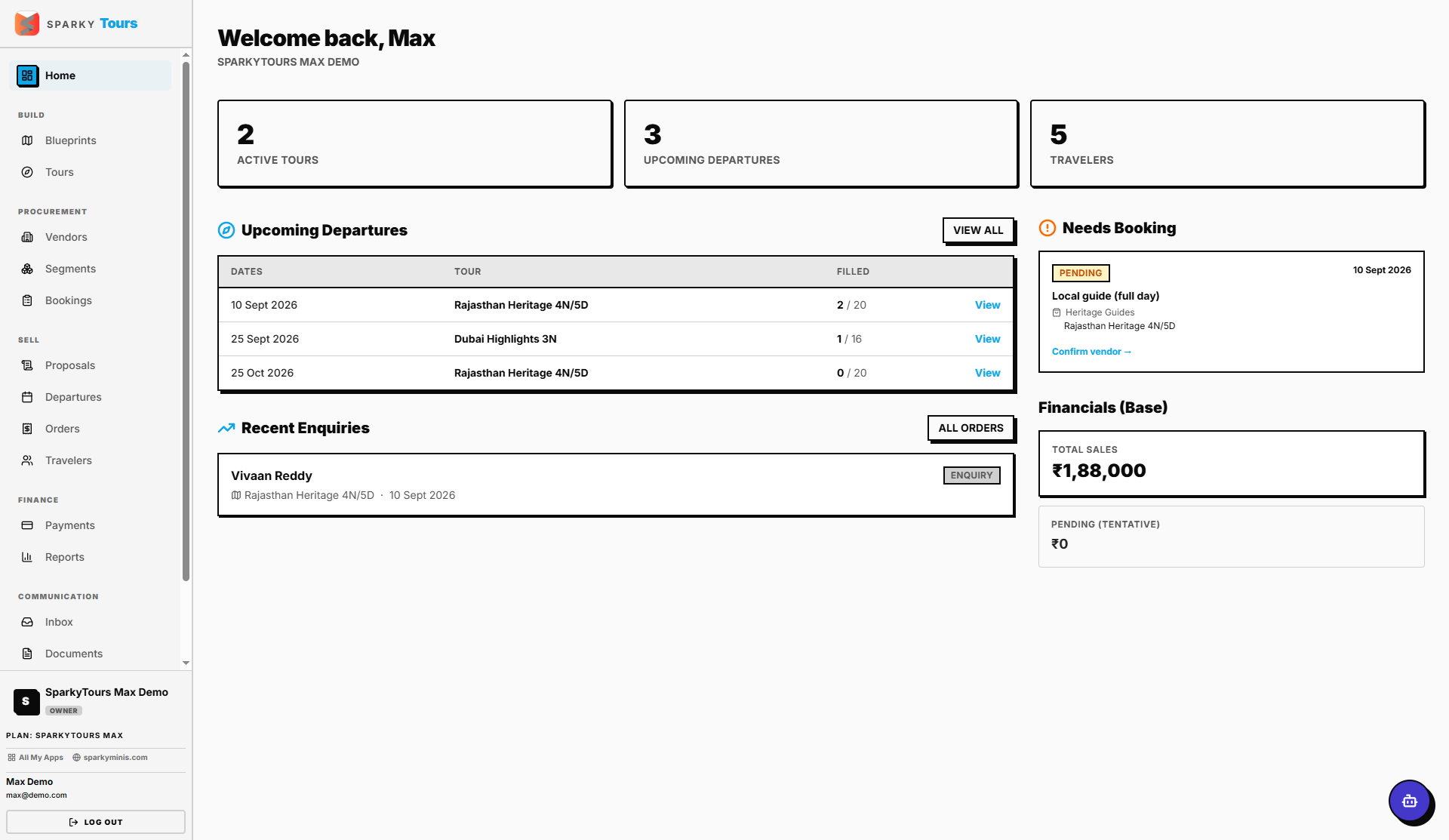
Your dashboard when you log in — a quick overview of active tours, upcoming departures, travelers, enquiries, bookings that still need to be made, and your financial position.
How to read your dashboard
You'll see the tiles you have access to: active tour count, traveler count, an upcoming departures board, recent enquiries, a "needs booking" procurement alert list, and a sales/pending financials overview. Which tiles you see depends on your role — if you don't have access to a given area (e.g. Payments), its tile just won't appear.
How to finish onboarding
If your organization hasn't set a display name yet, the dashboard shows a short prompt asking for one — submitting it completes onboarding for your org.