
Tours
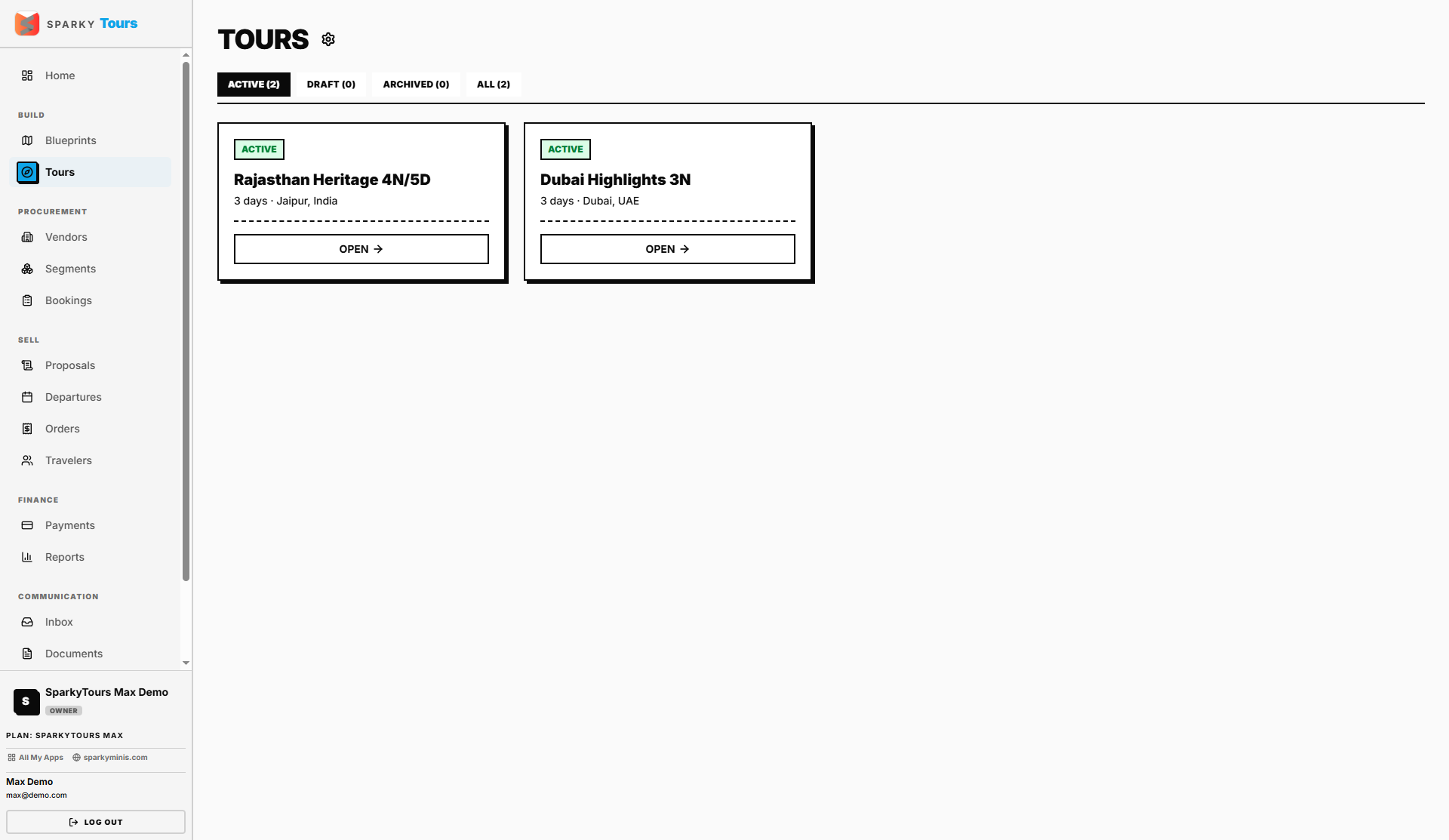
Tours are your sellable products — created by promoting a Blueprint (see Blueprints), then priced, scheduled, and offered to customers.
How to view your Tours
Open Tours from the sidebar to see every Tour in your organization. There's no direct "create" button here — new Tours come only from promoting a Blueprint.
How to edit a Tour
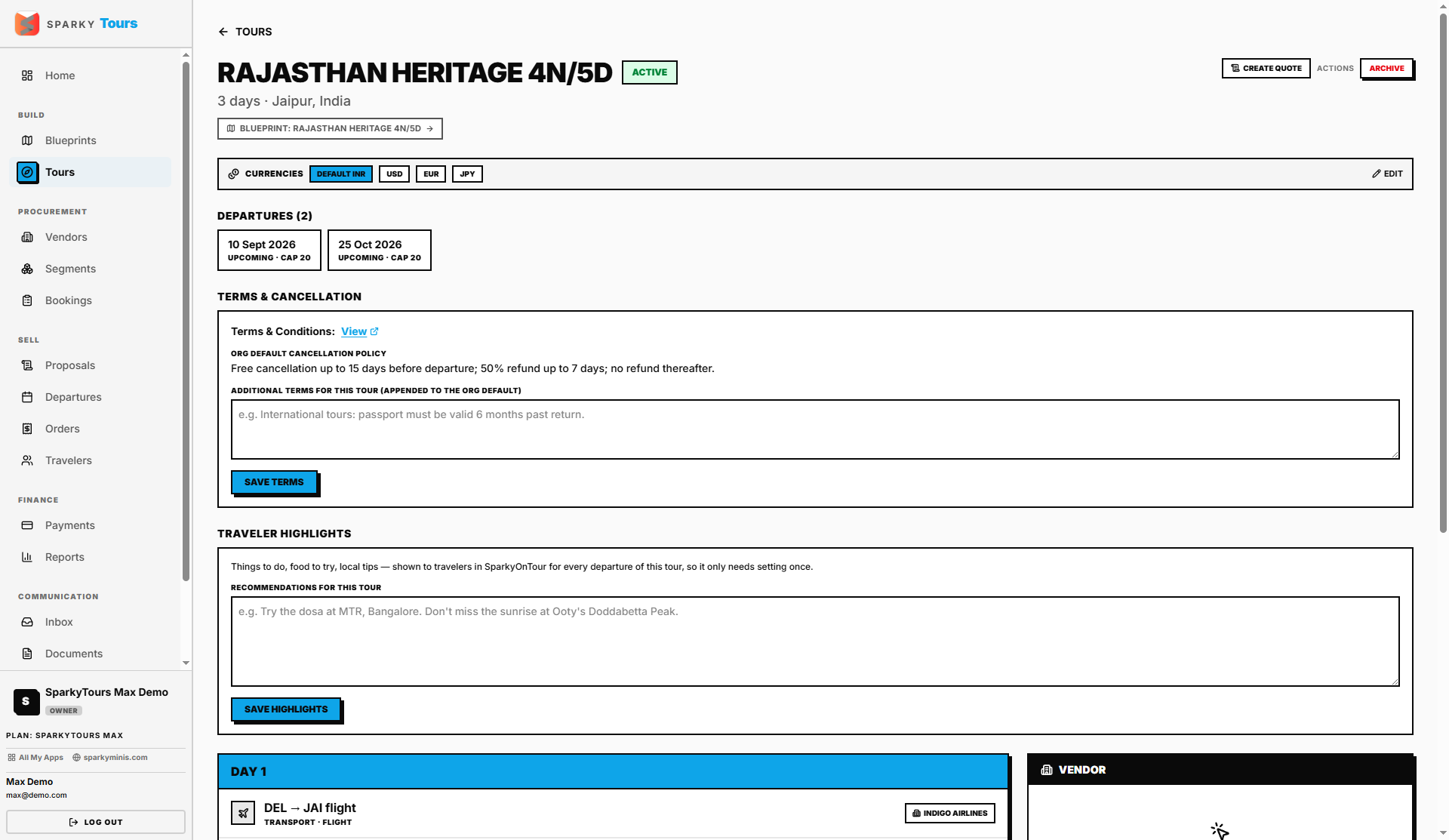
Open a Tour to change its status, set which currencies it can be sold in (and the default one), add Tour-specific cancellation terms on top of your organization's standard ones, write "things to do / food to try" highlights shown to travelers in the companion app, and choose which vendor supplies each day/segment.
How to move a Tour through review
If your organization requires approval before a Tour goes live, moving it from "pending review" to "active" needs a separate approval permission — in practice this means someone with approval rights has to sign off before the Tour becomes visible/sellable.
How to create a proposal from a Tour
If your plan includes Proposals, you can start a new custom pricing proposal directly from a Tour — it's seeded from the Tour's priced segments. You'll be blocked once you hit your plan's limit on active proposals.
How to delete a Tour
You can delete a Tour as long as no Departures have been scheduled against it yet.