Vendors
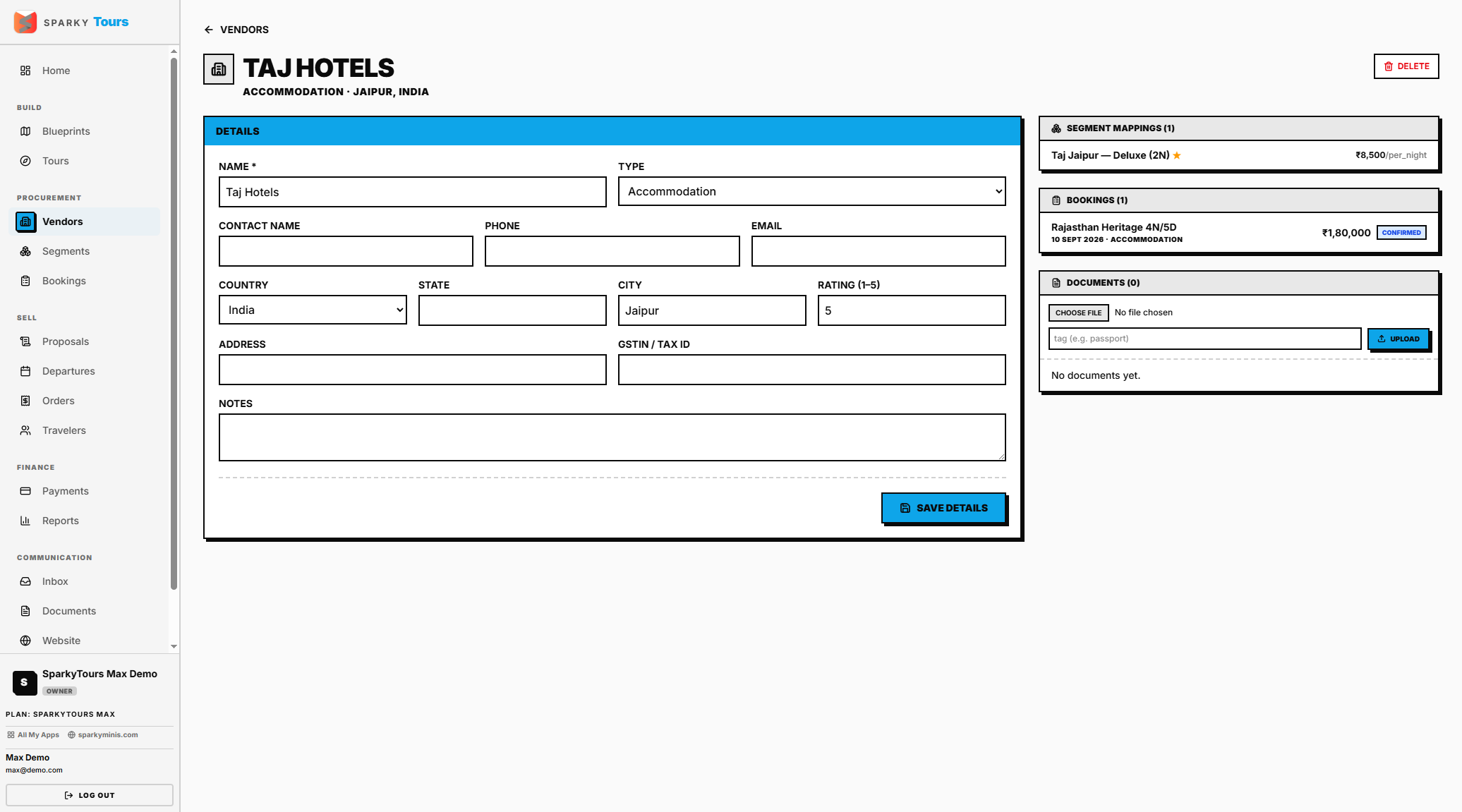
Your directory of hotels, transport operators, activity providers, and other suppliers.
How to view, create, or edit a Vendor
Open Vendors from the sidebar. Create a new vendor with a name and a type from your organization's catalog (built-in or custom types — see Settings → Catalog). Edit any vendor's details afterward.
Deleting a vendor from this list page does not check whether it has any bookings or Segment Library mappings first — it deletes unconditionally. If you want to be sure you're not breaking something in use, delete from the vendor's own profile page instead (see below), which does check.
How to view a Vendor's profile
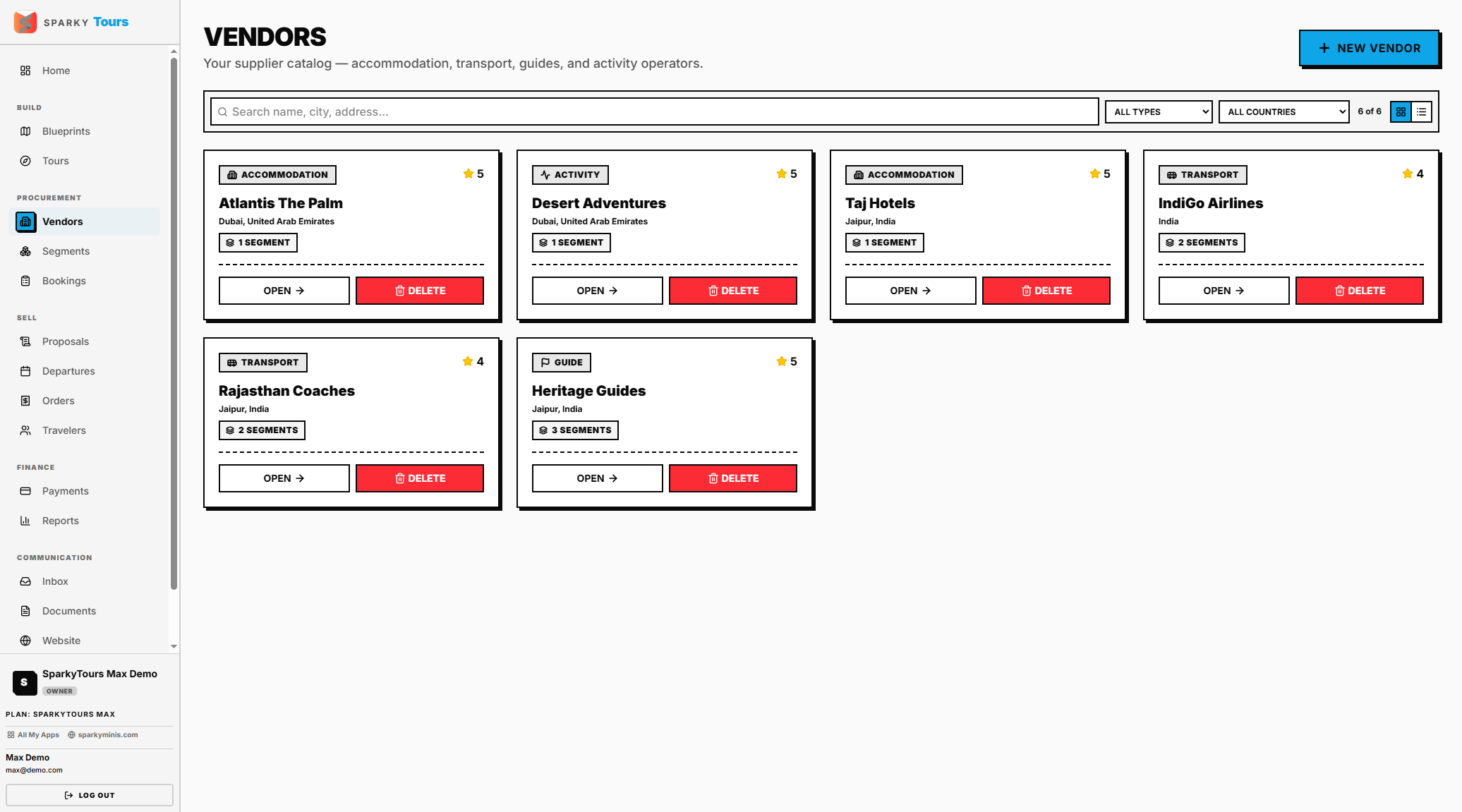
Open a vendor to see their linked bookings and any uploaded documents. Deleting from this page is blocked if the vendor has any bookings or Segment Library mappings — this is the safer place to delete from.