Segment Library
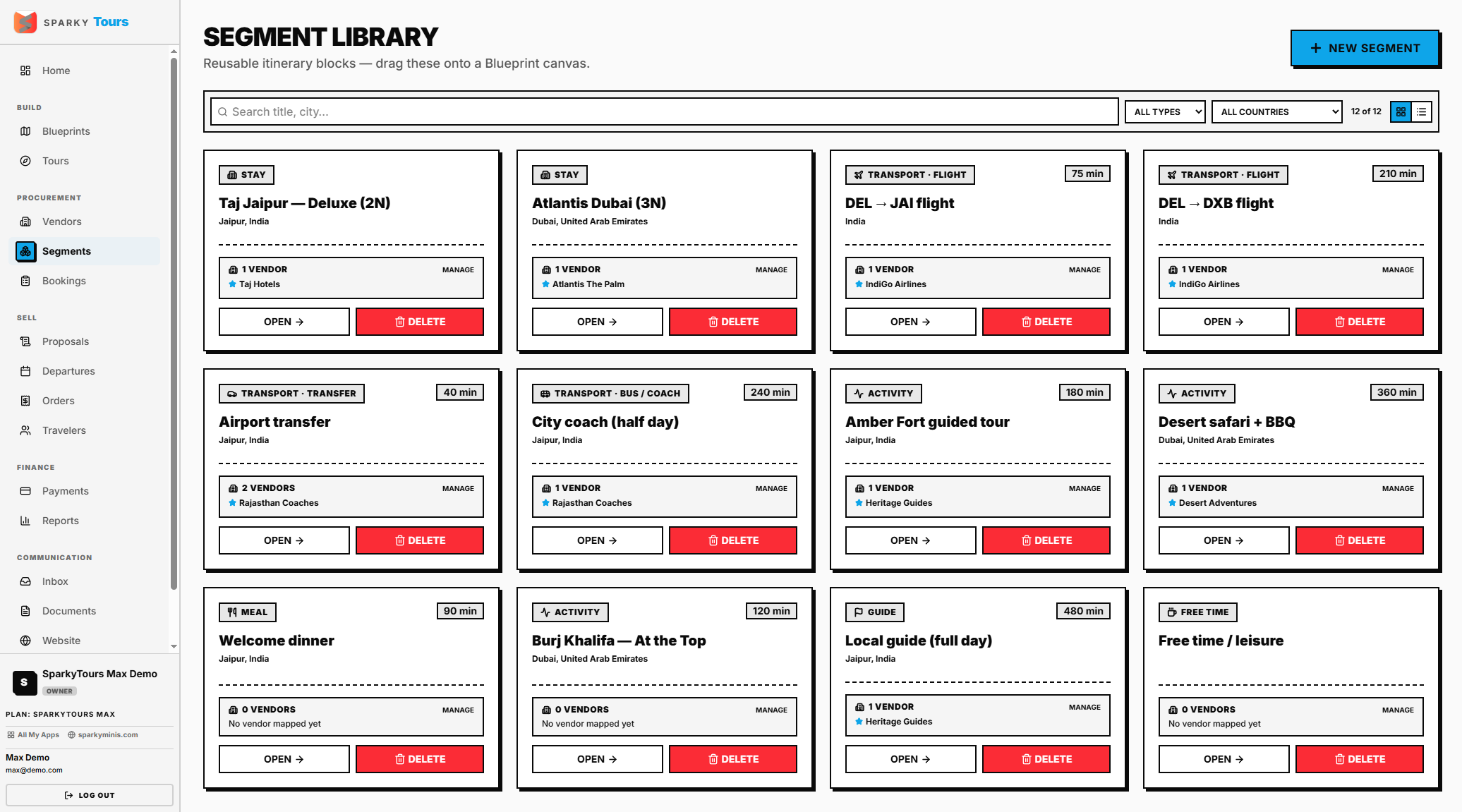
Reusable segment templates (a hotel night, a transfer, an activity, etc.) you use as building blocks when designing Blueprints.
How to manage the Segment Library
Open Segments from the sidebar. Create a new segment with just a title — type, mode, description, location, and duration are all optional.
Deleting a segment doesn't check whether it's currently used by any Tour or Blueprint first — if you're not sure a segment is unused, be cautious about deleting it.
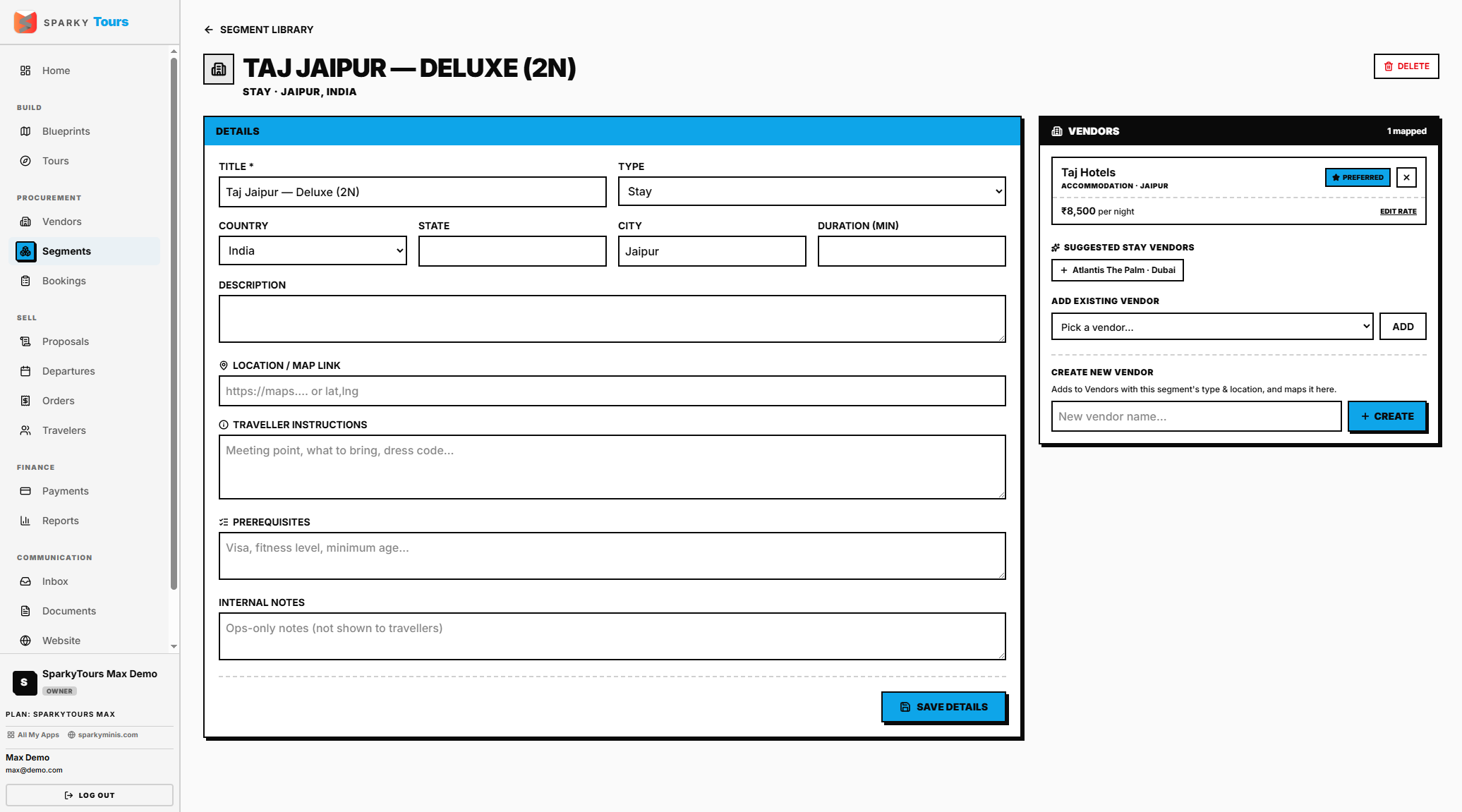
How to edit a Segment and its vendors
Open a segment to update its details (type, mode, location, duration, notes, map link, traveler instructions, prerequisites). Map a vendor to it — the first vendor you add is automatically marked "preferred." If you remove the preferred vendor, the next-oldest mapped vendor is automatically promoted, so a segment with any vendors always has exactly one preferred one. You can also explicitly choose which vendor is preferred, set a vendor's rate for this segment, or create a brand-new vendor right from this screen.