
Proposals
Custom pricing proposals for individual or family (FIT) travelers, available on the Max plan.
How to create and manage a Proposal
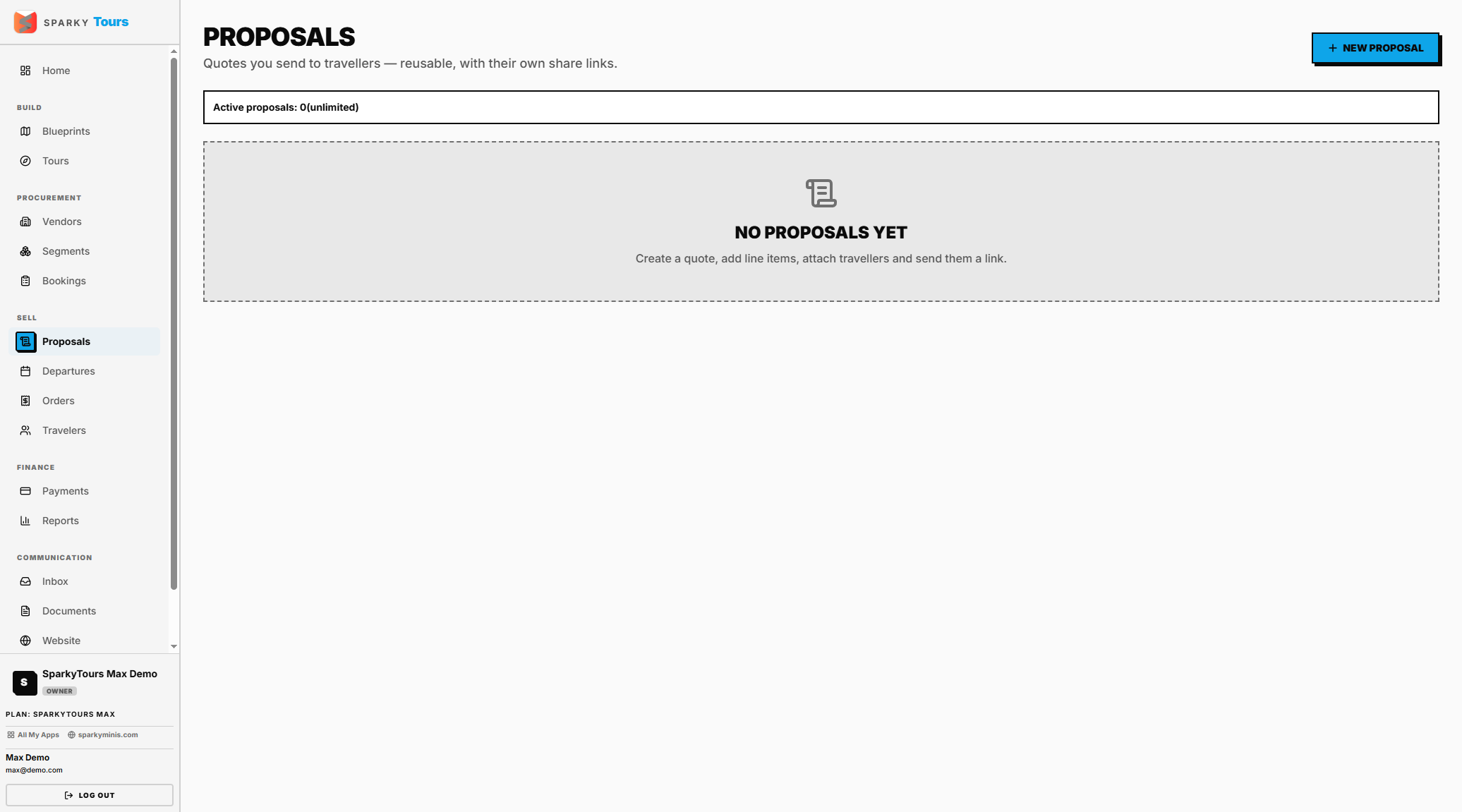
Open Proposals from the sidebar. Click New Proposal and give it a title — you're blocked once your active (draft + sent) proposal count hits your plan's limit. Its validity window defaults from your organization's proposal settings.
How to build out a Proposal
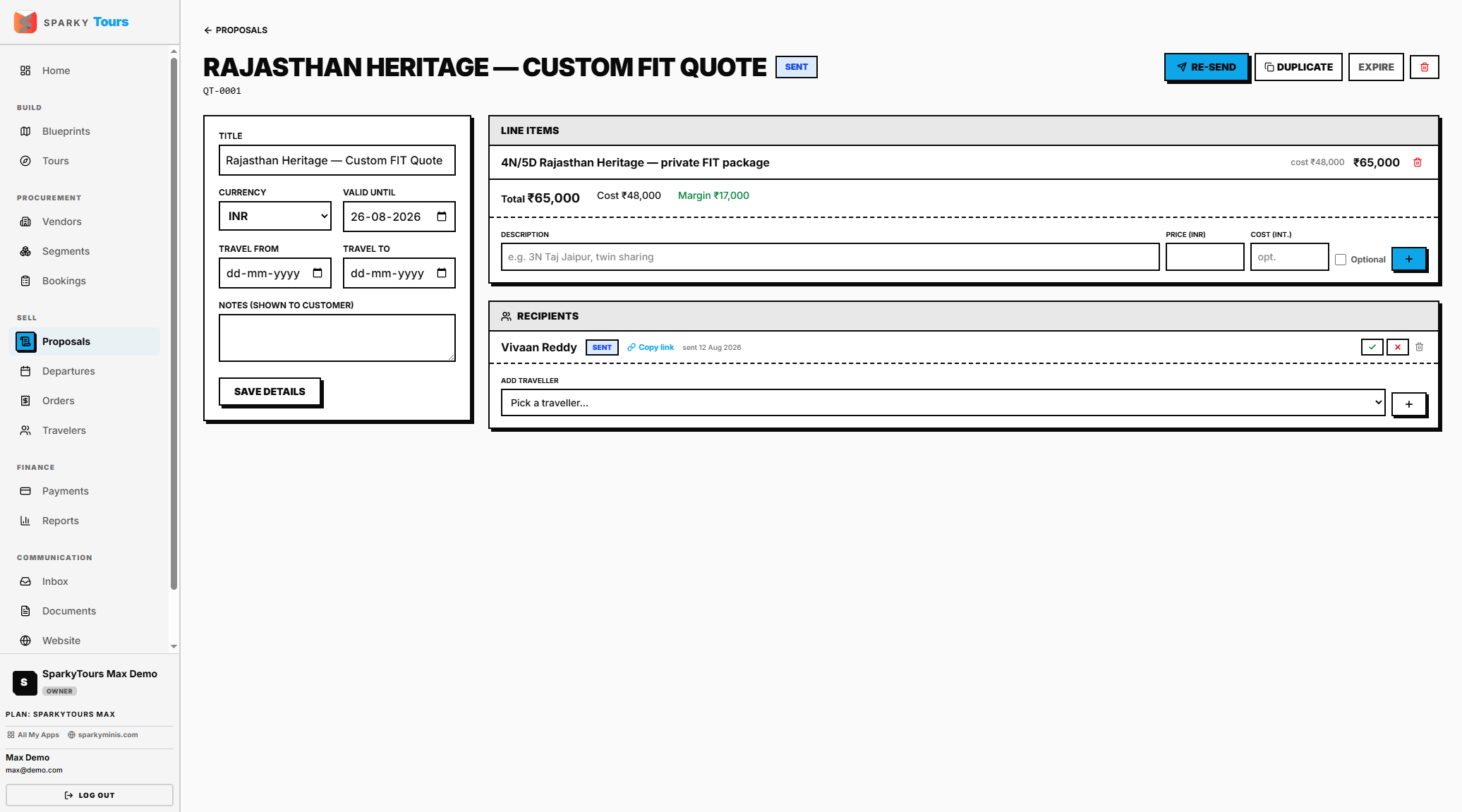
Open a proposal to edit its title, currency, validity window, travel dates, and notes. Add or remove line items (a description plus the sell amount — your own cost never shows to the customer); the total recalculates automatically. Add recipients from your existing Travelers — each one gets their own unique share link.
How to send a Proposal
Sending requires at least one line item and one recipient. Re-sending only updates recipients still in "draft" status — it won't overwrite anyone who's already been sent to or has responded.
How to record a recipient's response
Currently, marking a recipient as sent, accepted, or declined is something your team does manually — there's no self-service accept/decline button on the customer's proposal link yet.
How to convert an accepted Proposal
Once a proposal is accepted, you can convert it into a real booking — this creates one new Departure plus one confirmed order per accepted recipient, all priced at the proposal's total. It only works on an accepted proposal tied to a source Tour that hasn't already been converted.
How to duplicate or expire/delete a Proposal
Duplicate copies the title, currency, notes, and items into a fresh draft (recipients aren't copied, so you can customize it for someone else) — also counted against your active-proposal limit. You can also mark a proposal expired or delete it.
What a customer sees when you send them a Proposal
They get a link that needs no login. Opening it records that they've viewed it (this won't downgrade an already-accepted/declined status). They see only customer-safe information: sell prices (never your cost or margin), your branding, terms, payment details, and any contacts you've chosen to show.