Website
Your public storefront — home page, blog, and standalone pages — built into SparkyTours.
How to edit your storefront home page
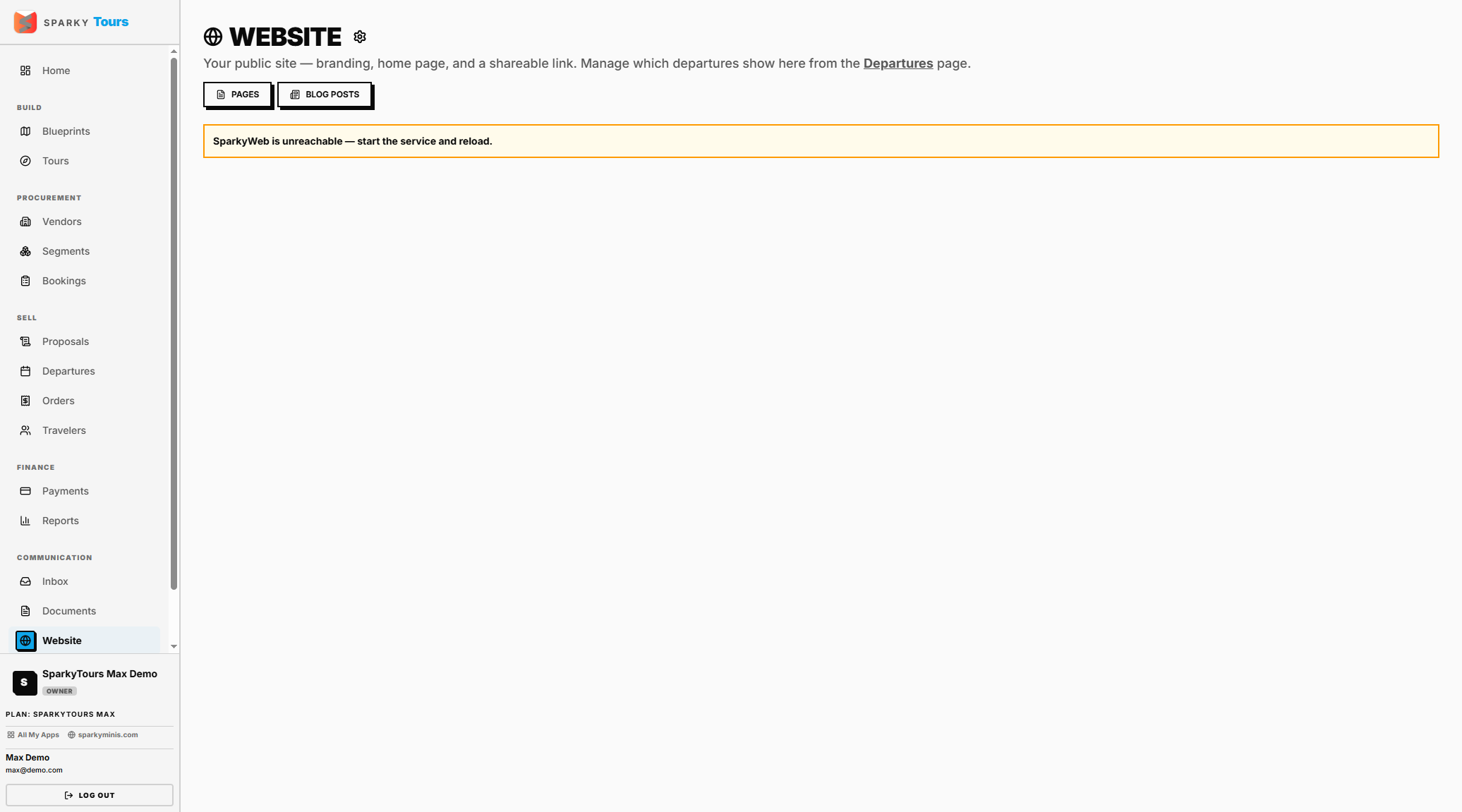
Open Website from the sidebar. Edit your page layout, upload images (including through a connected Cloudinary account if you've linked your own storage), and publish. Publishing automatically pulls in your current Departures, social links, and About details.
How to manage your blog
Under Website, open Blog to see your posts and create a new one — how many you can have depends on your plan. Slugs are generated automatically and kept unique. Deleting a post removes it.
The public blog you publish to and the blog editor here appear to pull from different underlying data — worth confirming with the team before relying on this as a single, unified "write a post, it appears on your site" flow (see Engineering Notes).
How to manage standalone pages
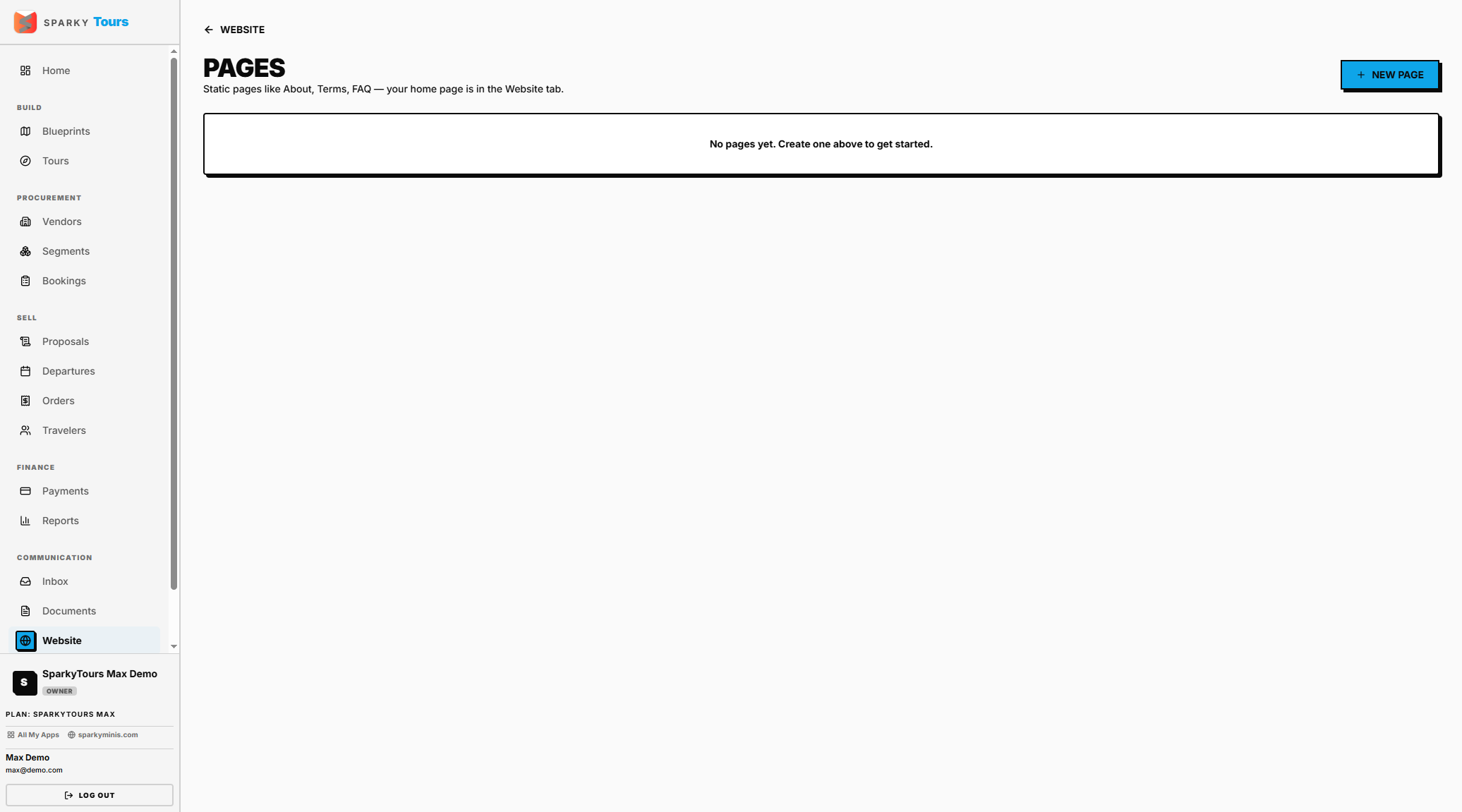
Under Website, open Pages to manage extra pages beyond your home page (your home page itself is edited separately, above). How many pages you can have depends on your plan. A few slugs (Blog, Products, Contact) are reserved and can't be reused. You can't delete or rename your home page's slug — to remove its content, clear it instead.