Settings
Organization-wide configuration, split into sub-pages by area. Which sub-pages you see depends on your role and your plan.
Account
Rename your own profile and see which organizations you belong to.
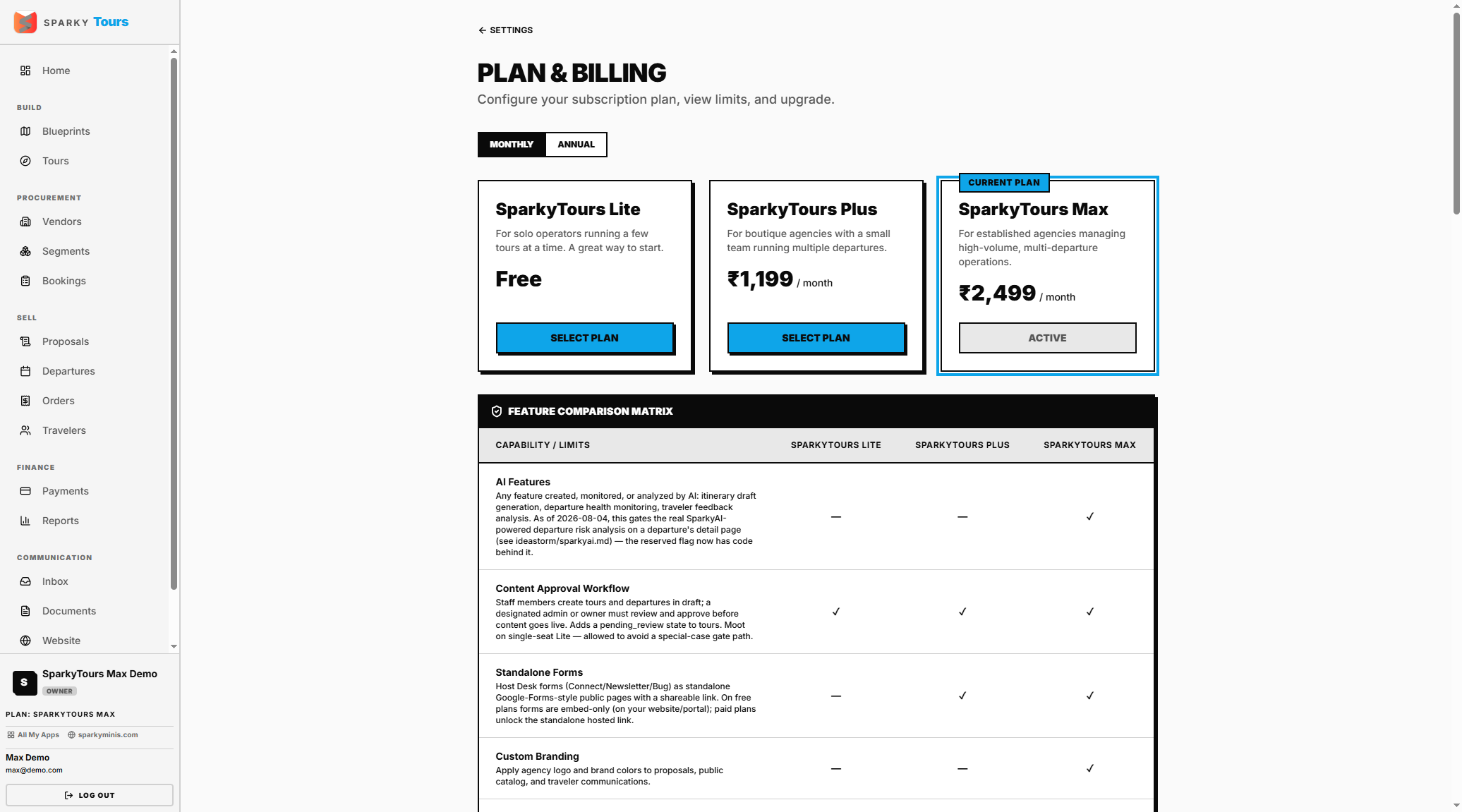
Billing
View your current plan and usage, or change plans. Downgrades and cancellations go through a review request rather than applying instantly; upgrading to a free plan applies right away, and paid upgrades hand off to a secure checkout.
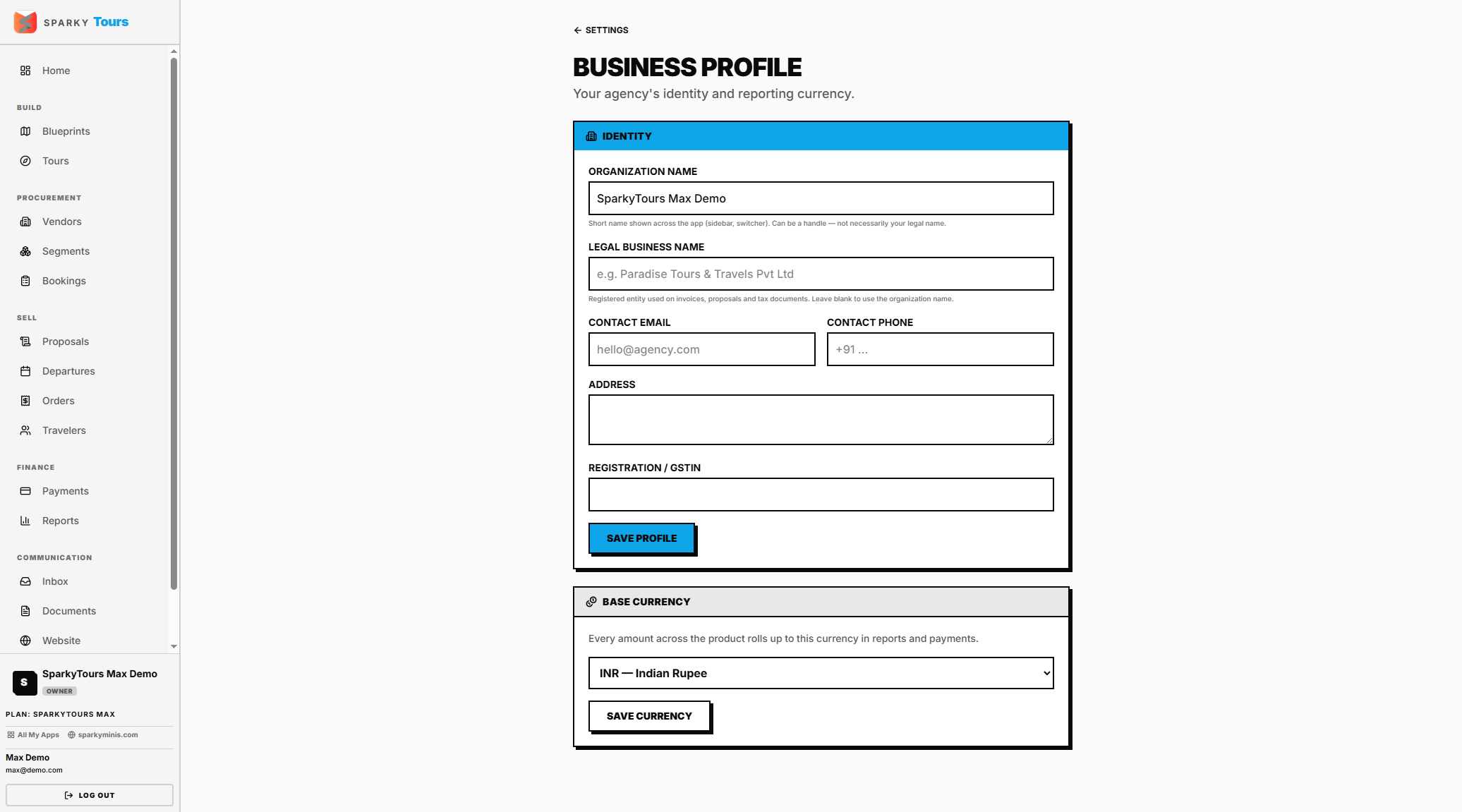
Business
Your organization's legal name, contact info, address, registration number, and your base/reporting currency.
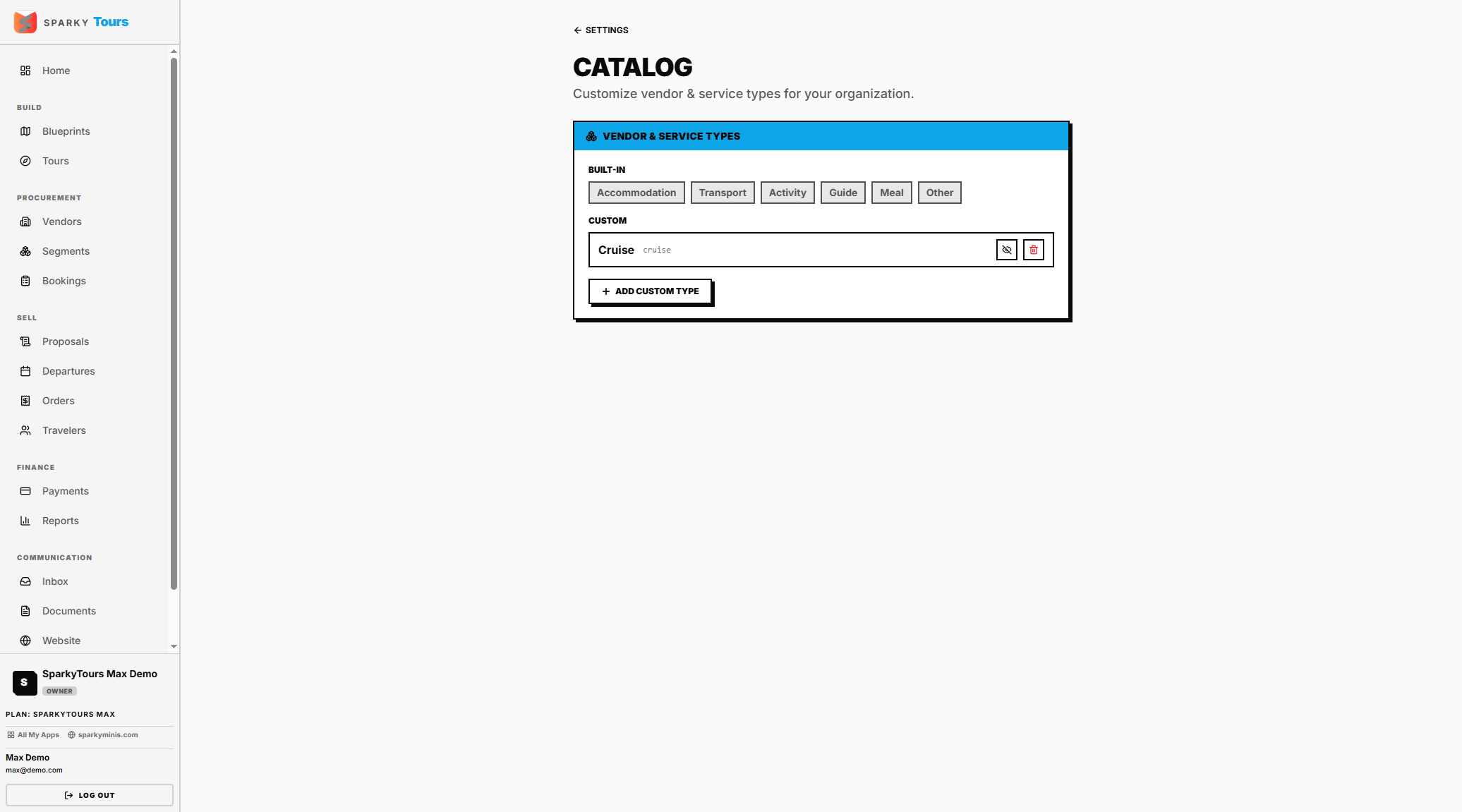
Catalog
Add a custom vendor type (its label becomes a URL-safe slug automatically, and it's rejected if it collides with a built-in or existing type), toggle one on/off, or delete it.
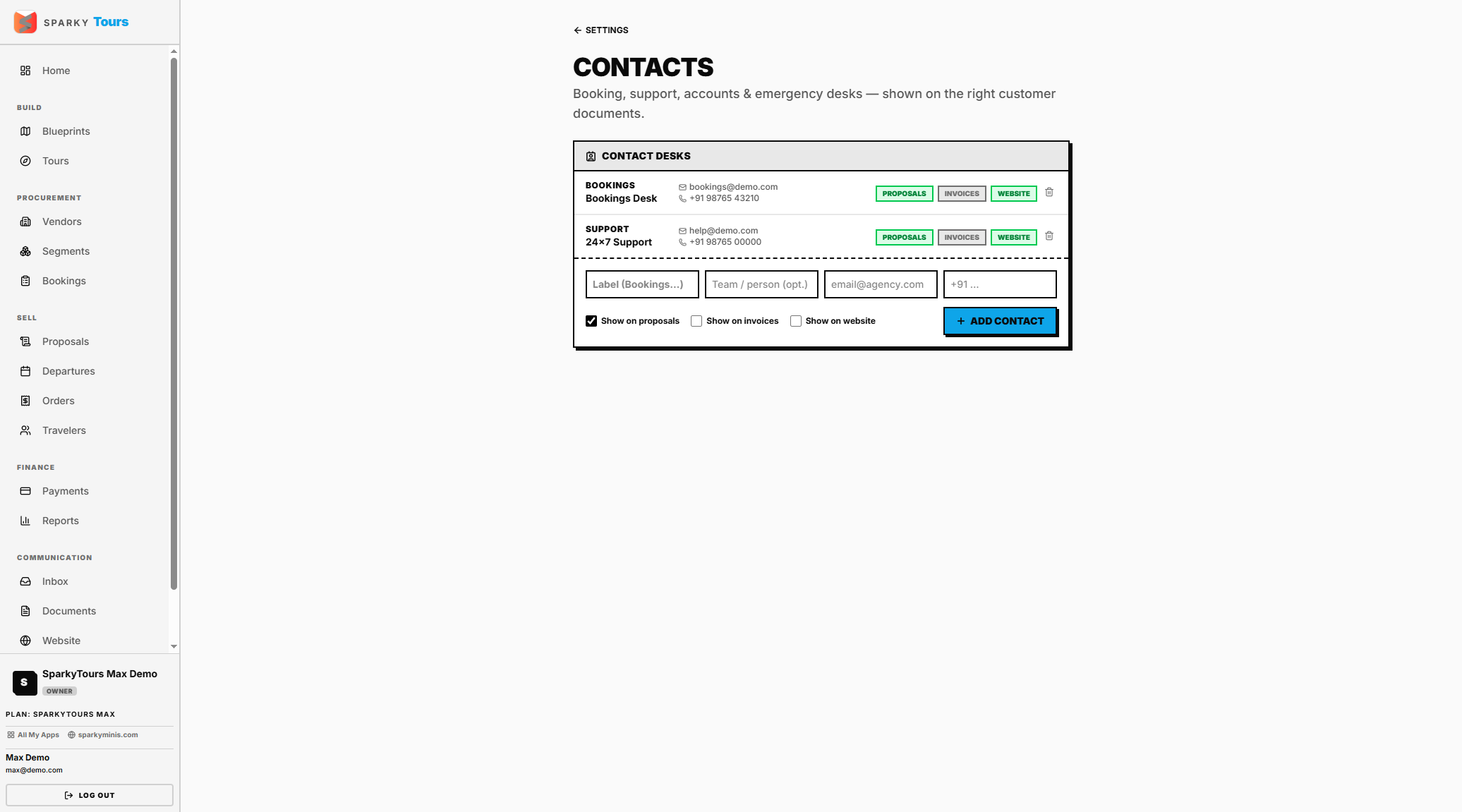
Contacts
Add a contact with a label and either an email or phone number, choose where they're shown (on proposals, invoices, or your website), or remove one.
Content (blog categories)
Manage the category taxonomy used by your blog posts.
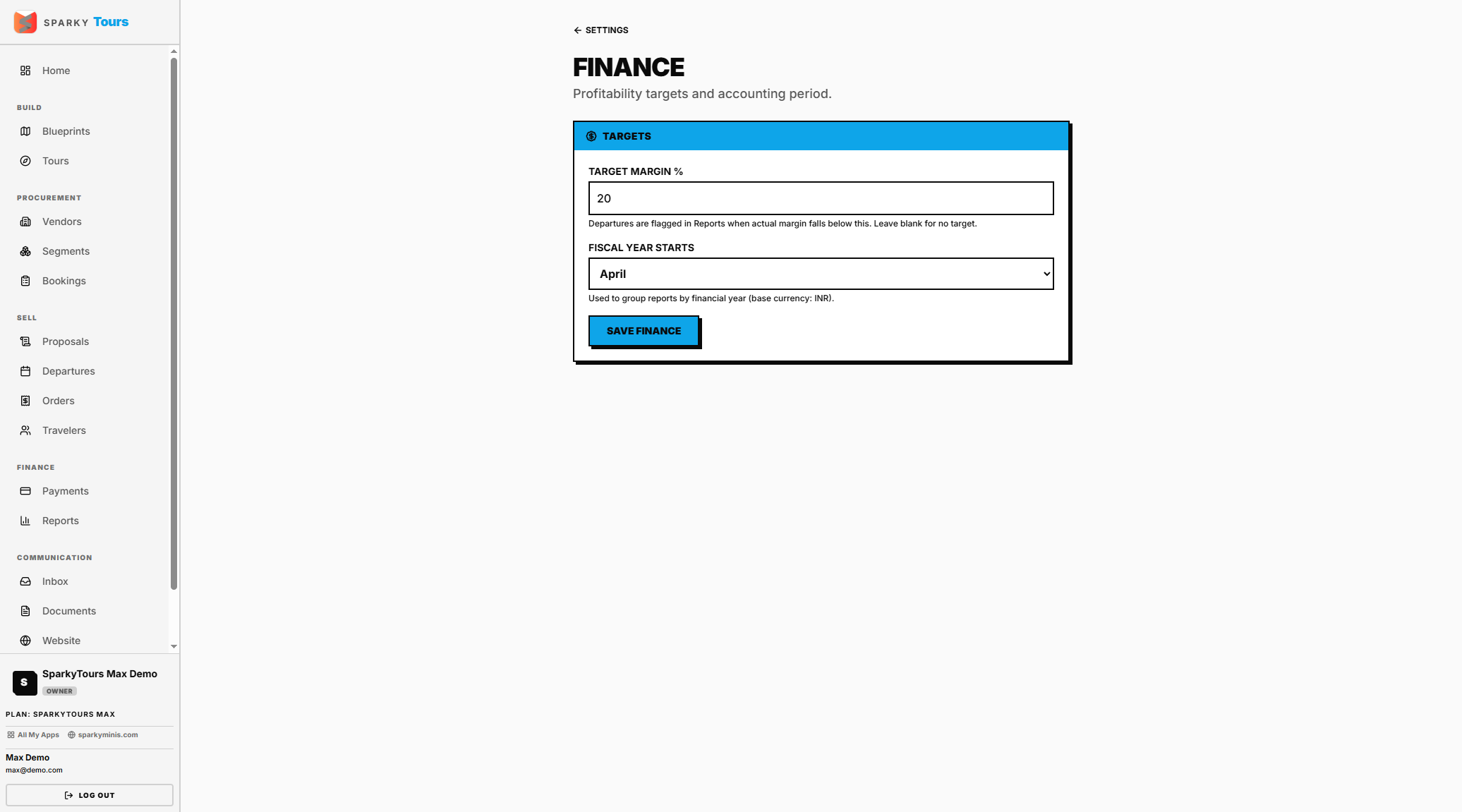
Finance
Set your target margin percentage and fiscal year start month. Only shown if your plan includes margin reporting.
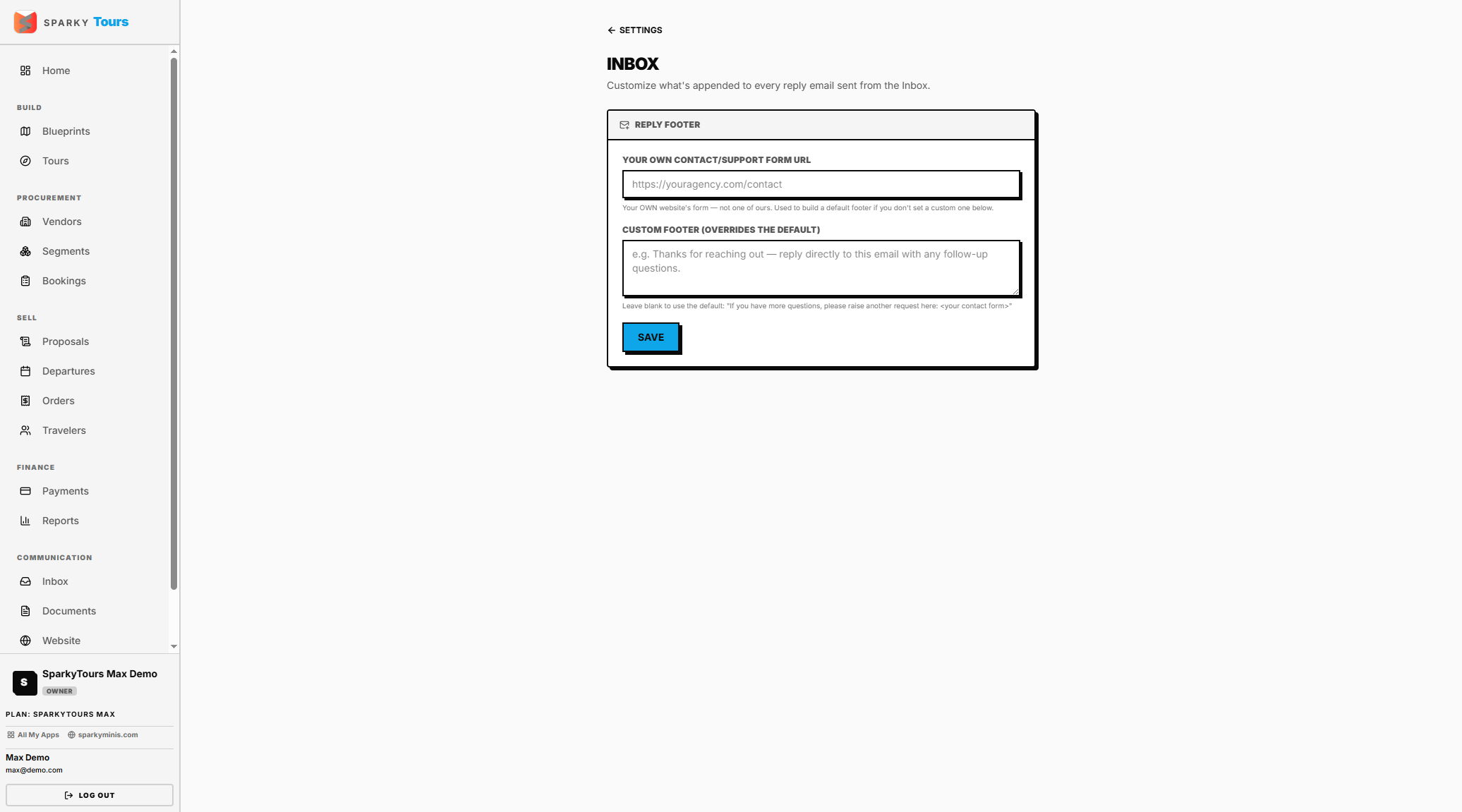
Inbox settings
Set a reply footer and your public contact-form URL.
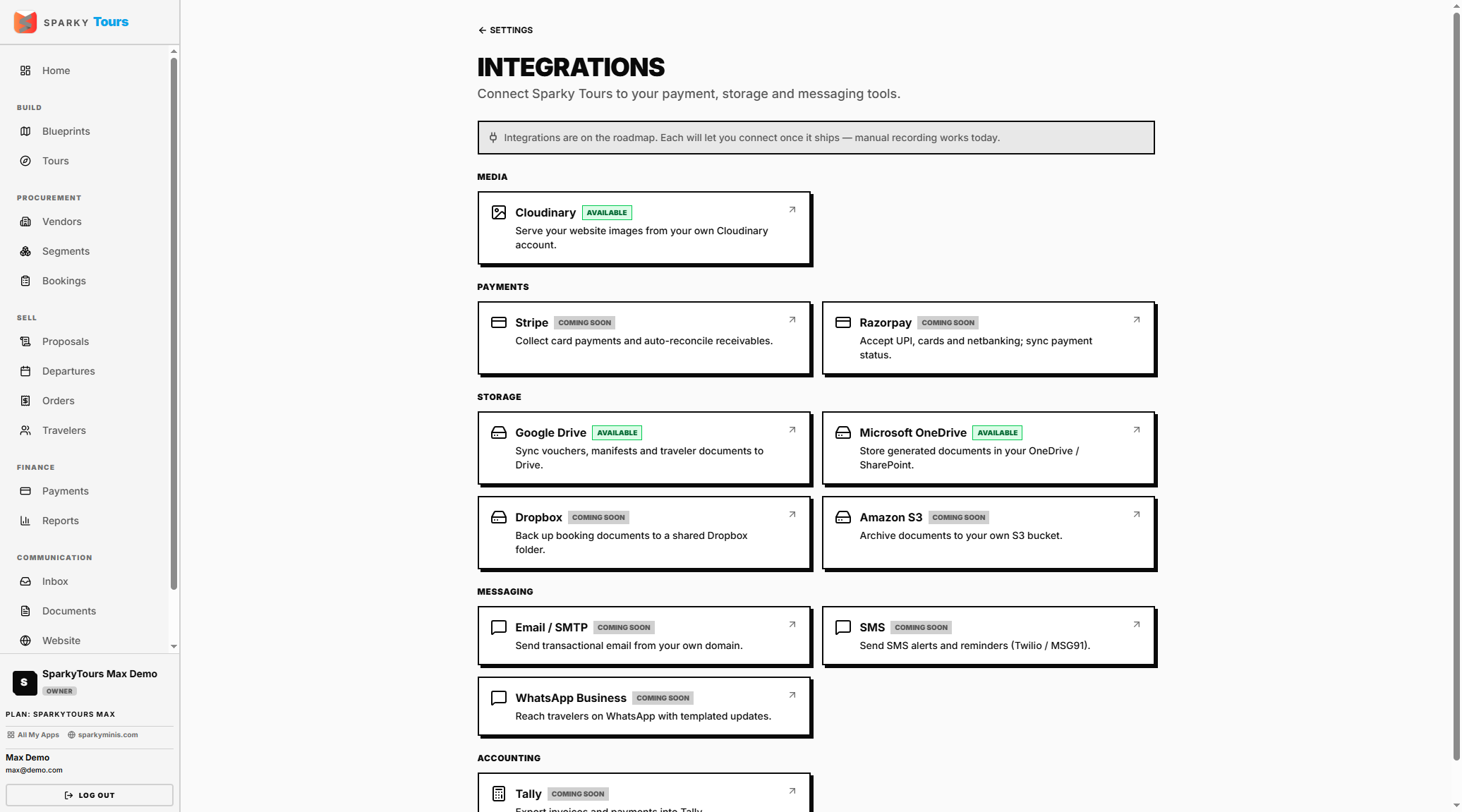
Integrations / Storage
Connect or disconnect integrations — Storage is the one you can actually connect today. Connecting your own storage plan hands off to that provider's sign-in screen.
Invitations
Shows invites addressed to your own email, wherever they came from — accept or decline.
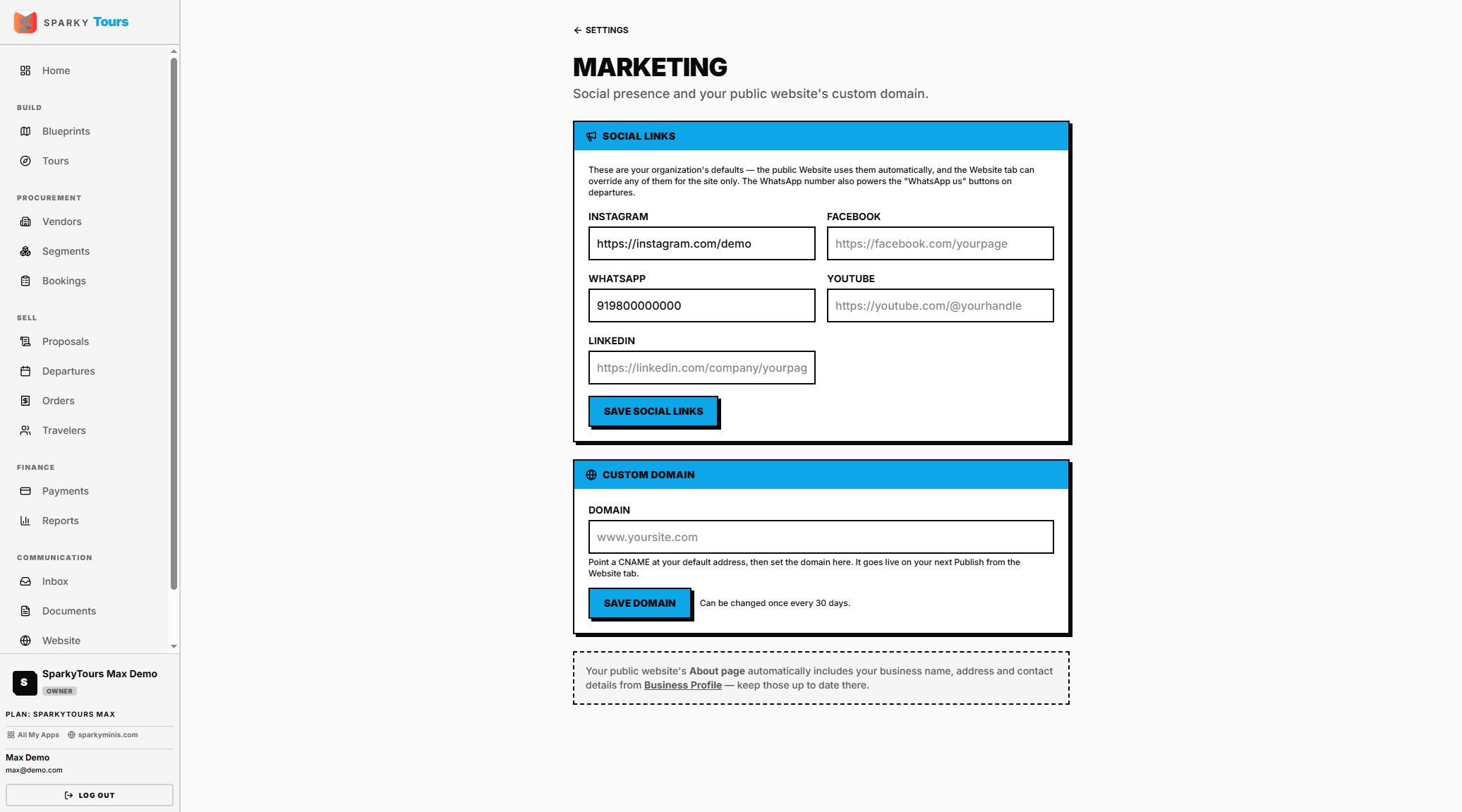
Marketing
Set up to five social links. Set a custom domain for your storefront — available on the Max plan, and locked by a cooldown period after each change.
Media (Cloudinary)
Connect your own Cloudinary account for image storage — available if your plan includes bring-your-own storage. Your credentials are verified as working before they're saved.
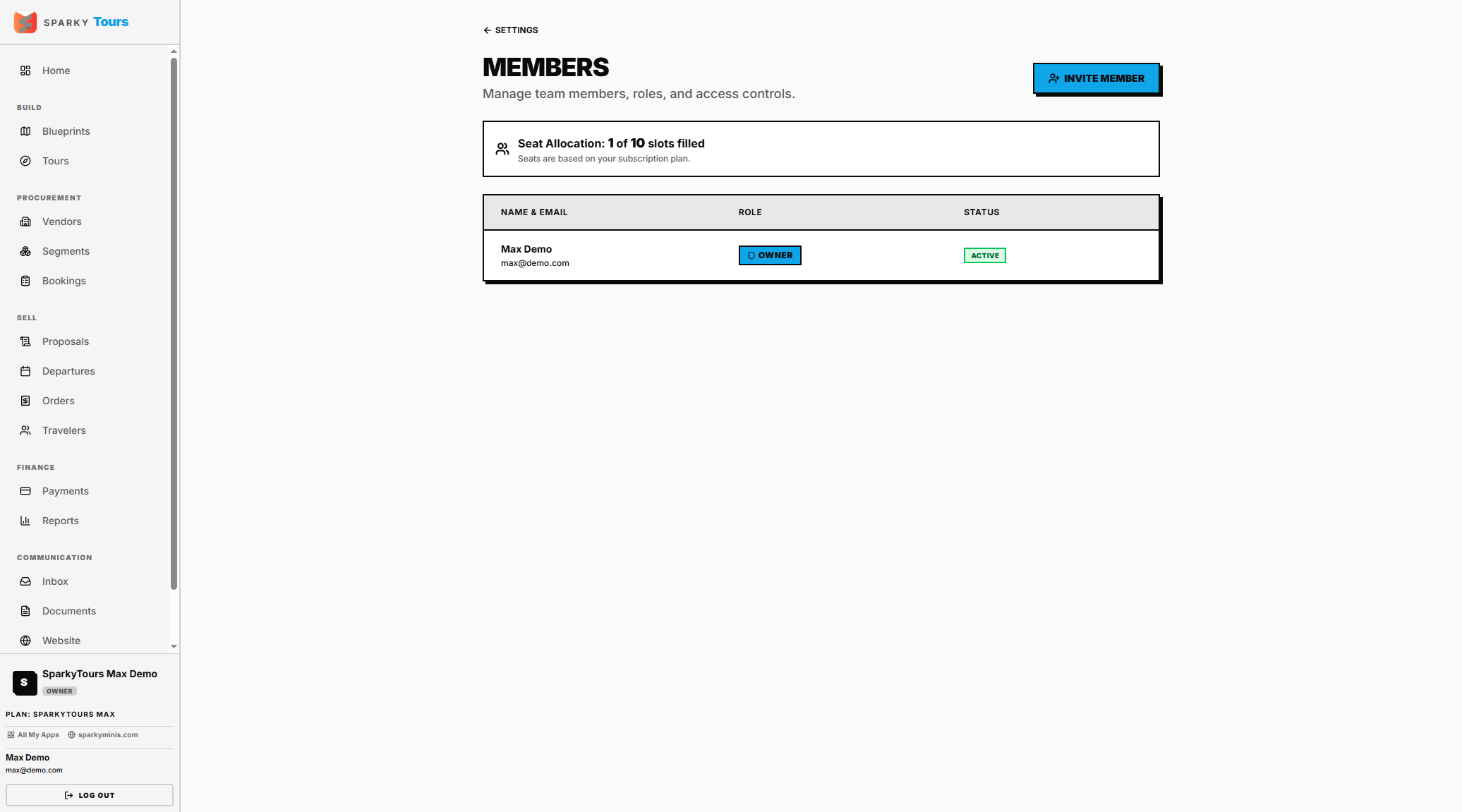
Members
Invite a teammate (blocked once you hit your plan's seat limit, counting active members plus pending invites), revoke a pending invite, change someone's role, or remove a member. The organization owner can't be changed or removed from here.
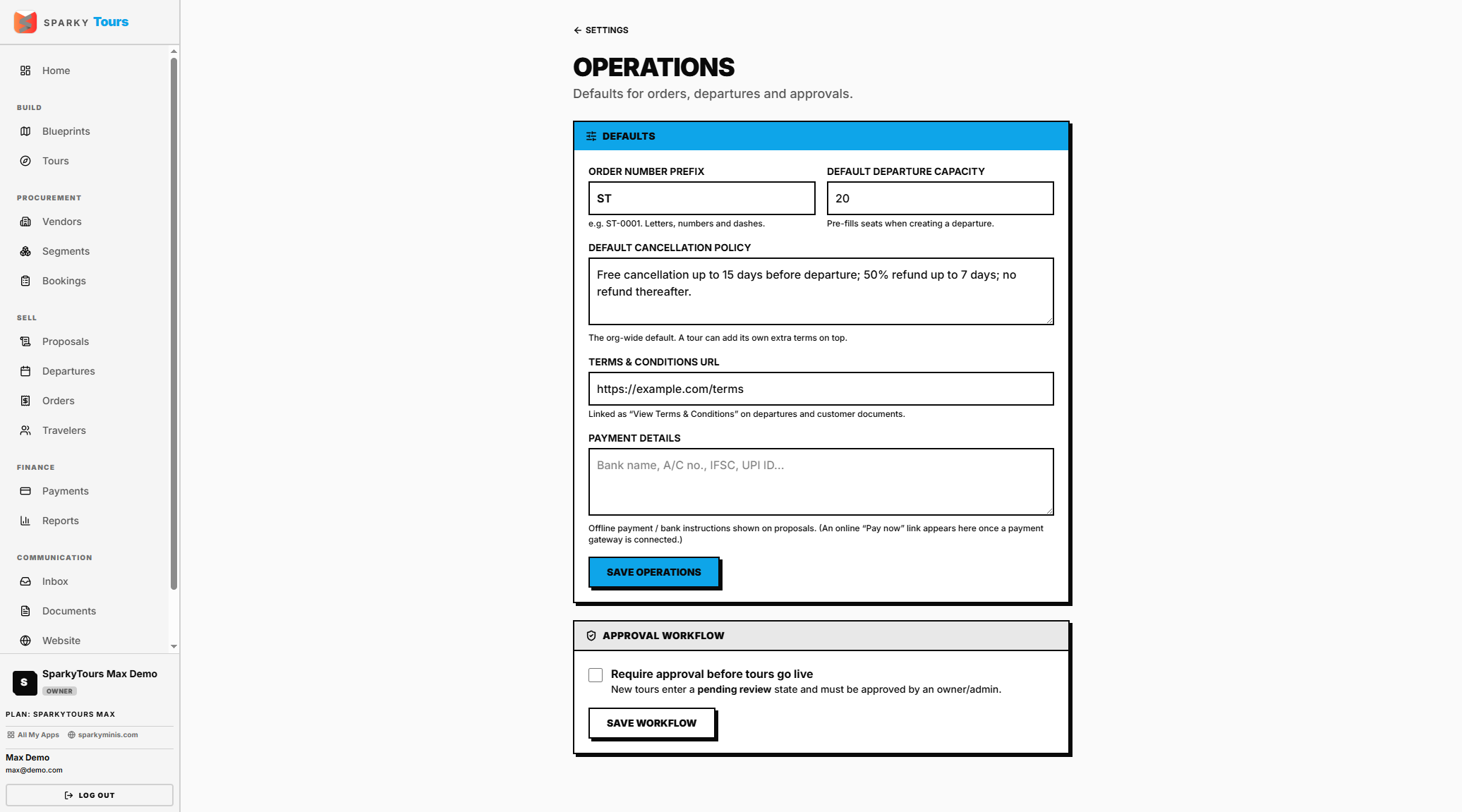
Operations
Your order number prefix, default departure capacity, cancellation policy text, terms URL, and payment details. If your plan includes the approval workflow, you can also turn on requiring review before promoted Tours go live.
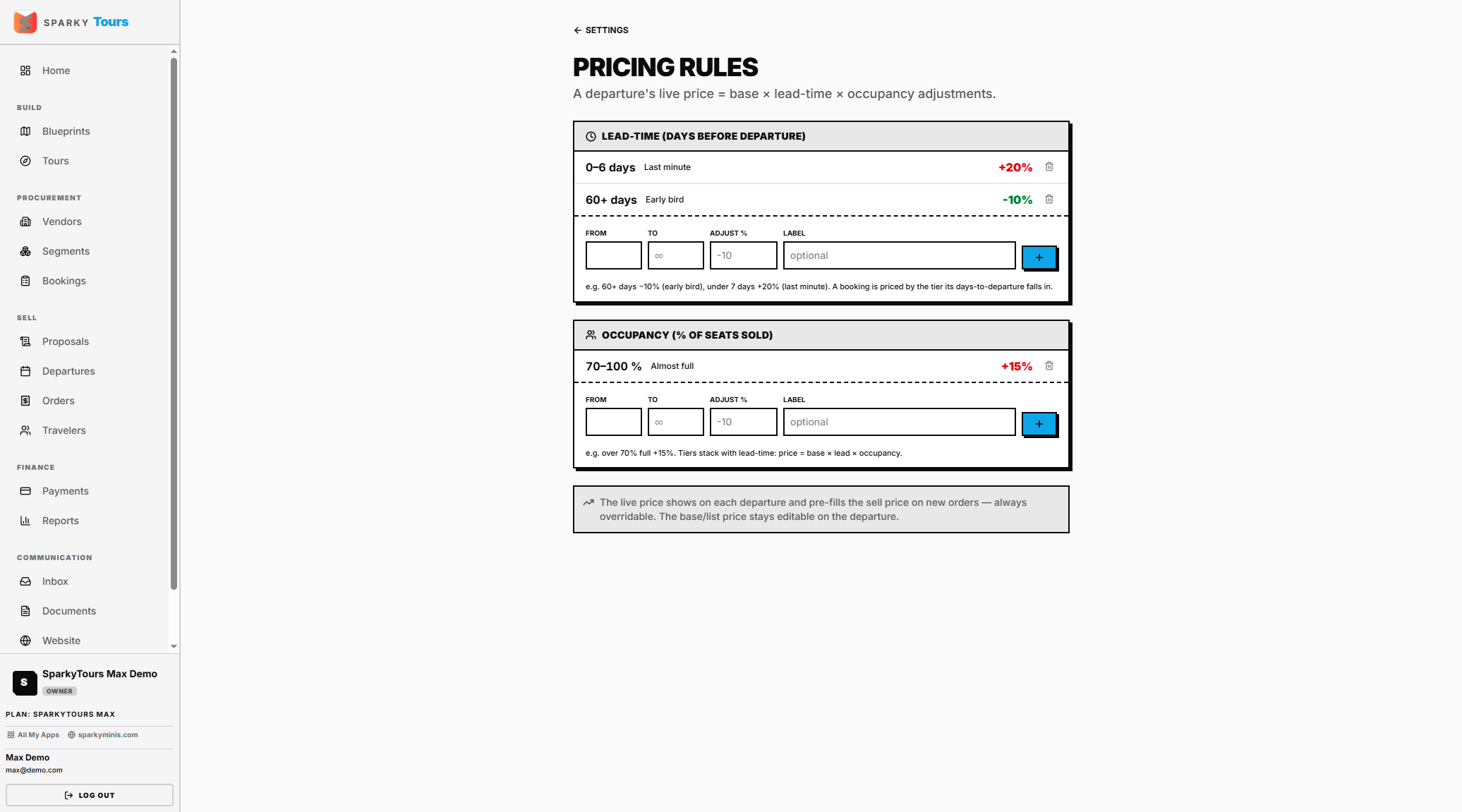
Pricing rules
Add lead-time or occupancy-based dynamic pricing rules — a percentage adjustment based on days until departure or seats filled — or remove one.
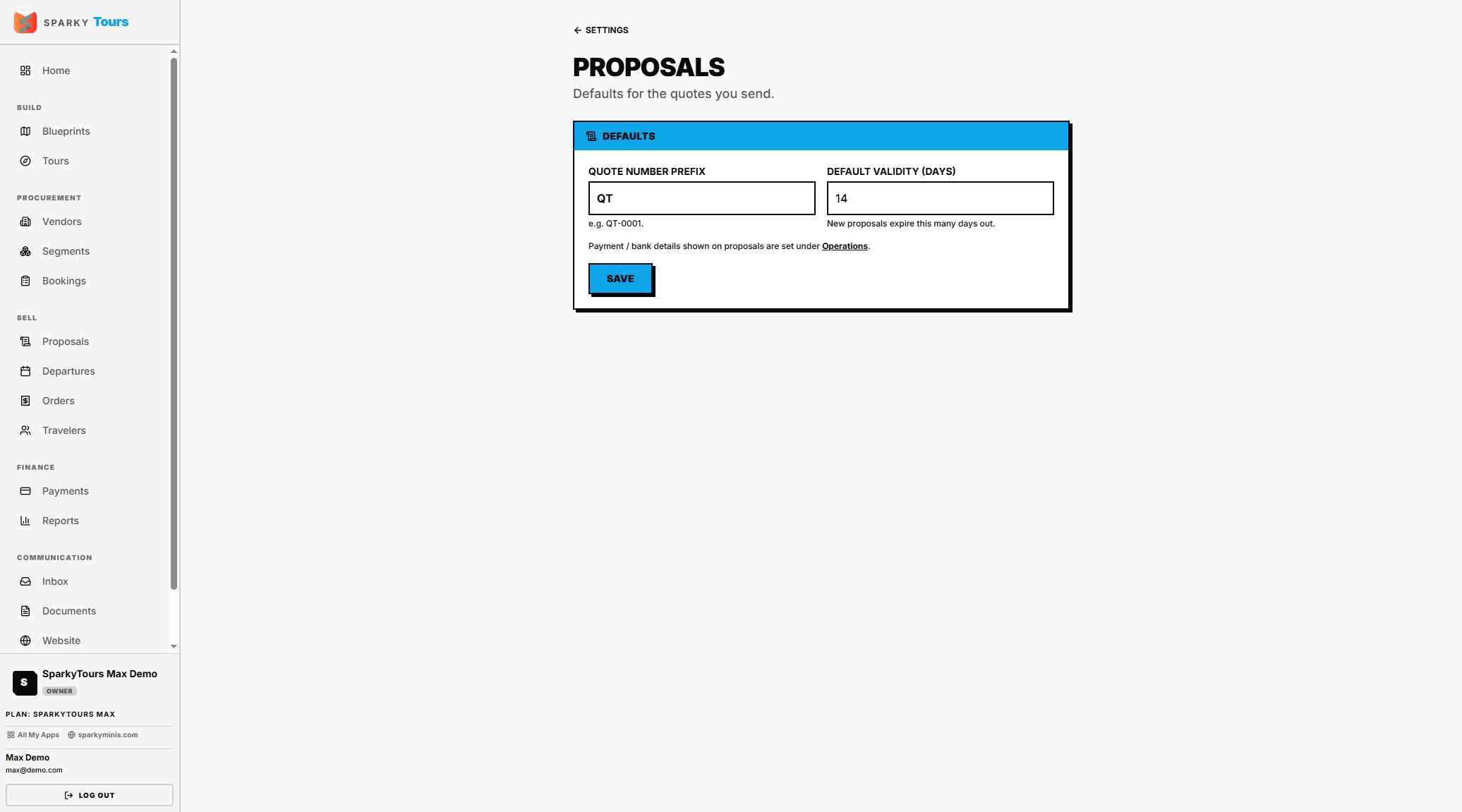
Proposal settings
Your proposal number prefix and default validity window (1–365 days). Only shown if your plan includes Proposals.