Docs
Travelers
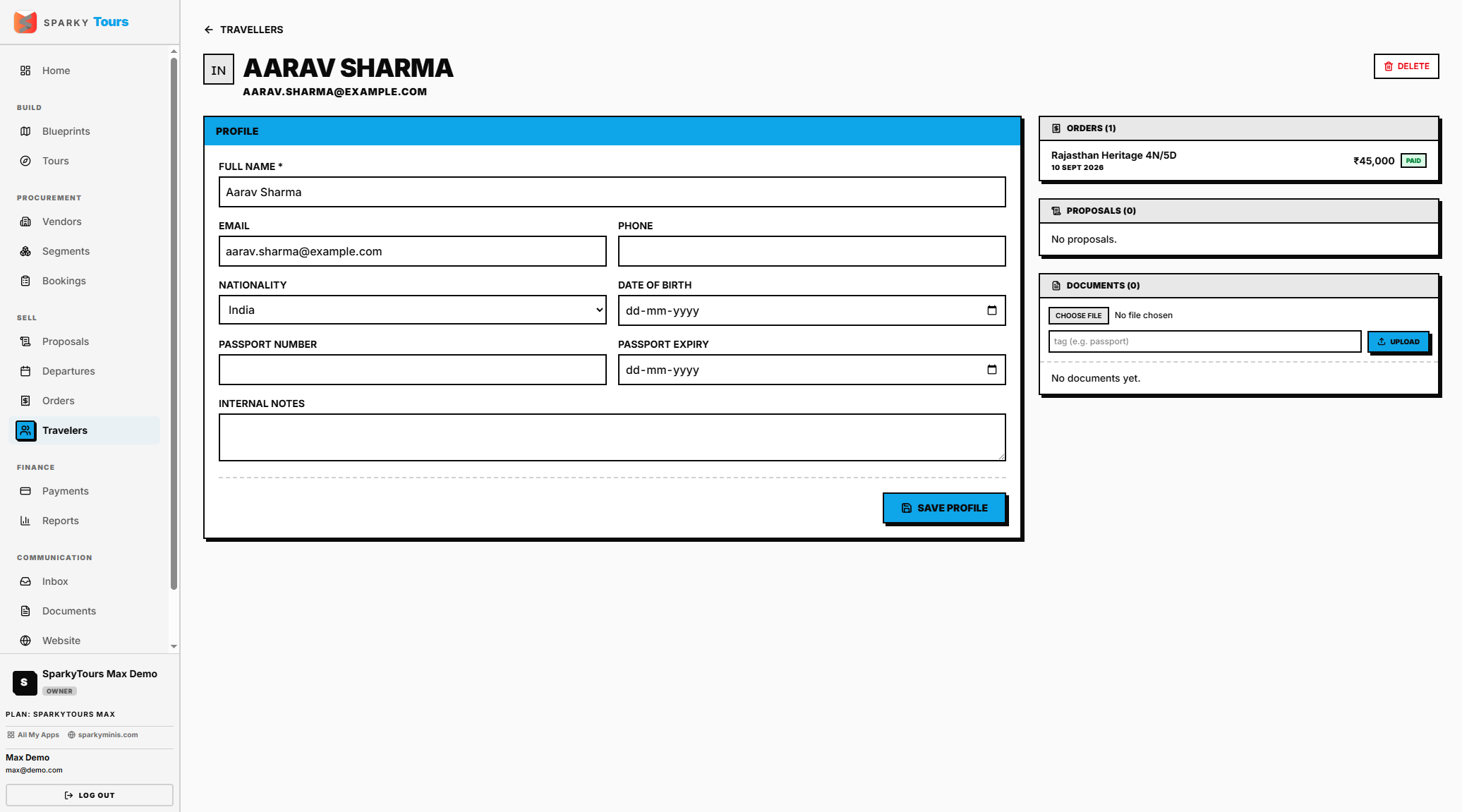
Your directory of every traveler your organization has dealt with, independent of any specific Departure.
How to view, add, edit, or remove a Traveler
Open Travelers from the sidebar. Add a new traveler with at least a full name — email, phone, passport number/expiry, date of birth, nationality, and notes are all optional. Edit any of these later. You can remove a traveler as long as they don't have any orders on file.
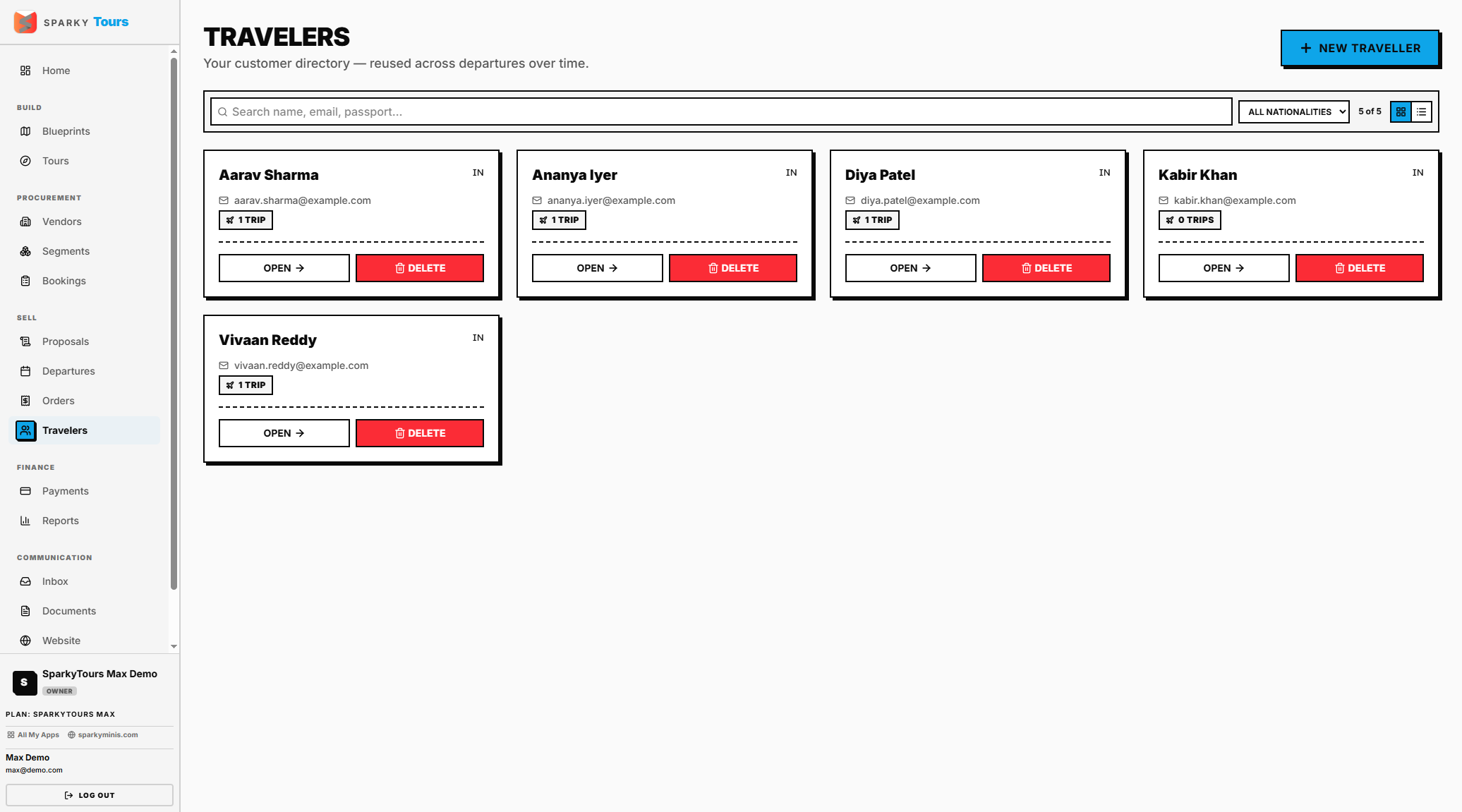
How to view a Traveler's profile
Open a traveler to see their orders and any proposals they've been sent, plus any documents uploaded for them — upload, replace, or delete a document right from this page. You can't remove a traveler who has orders or is a proposal recipient.